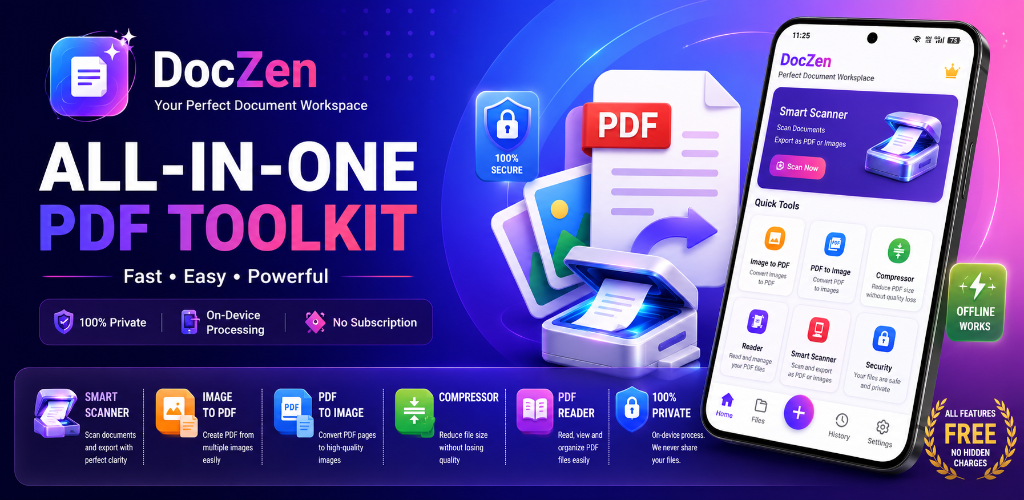
Your All-in-One PDF Toolkit
Scan documents with precision, convert images, compress file sizes, and secure PDFs locally. No servers, no account registration, and completely private.
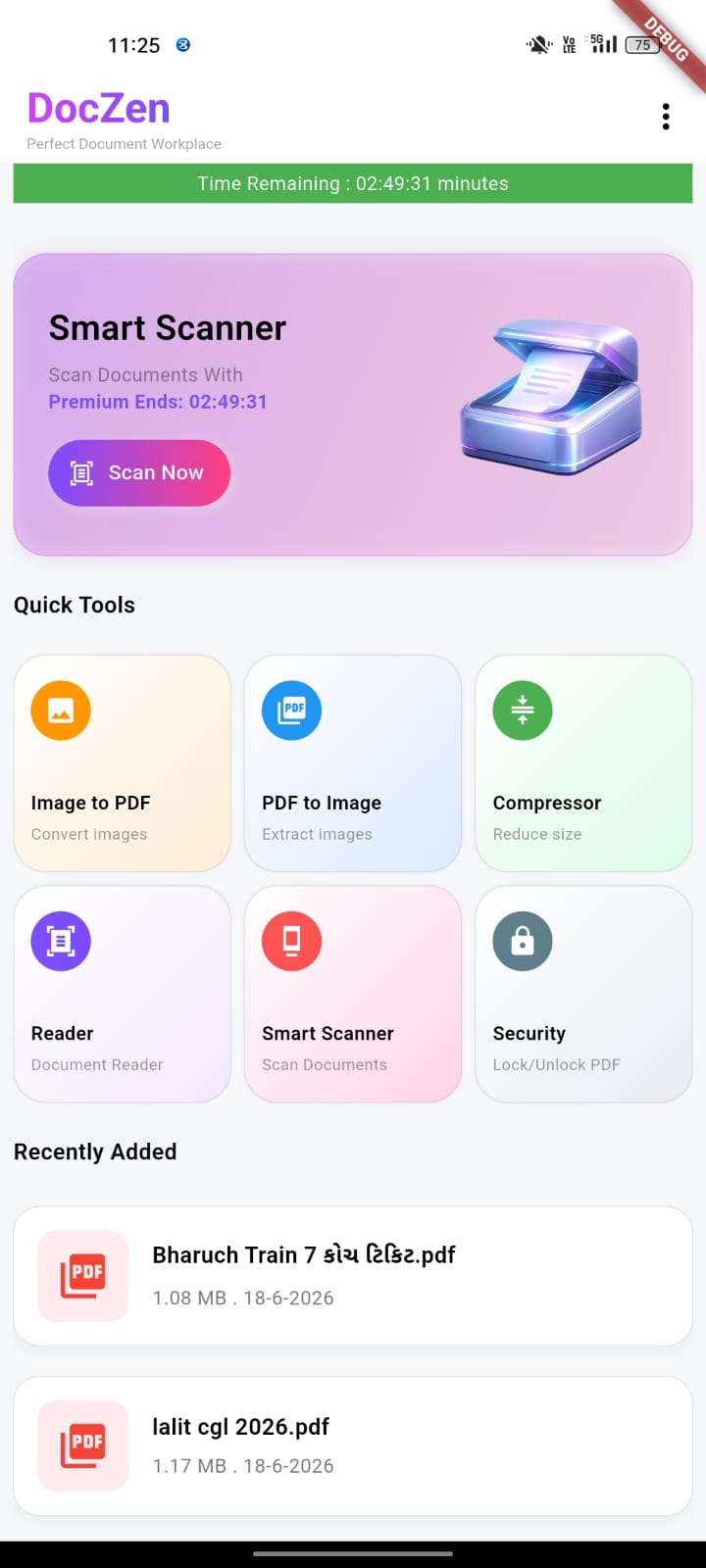
Smart Tools Built For Everyone
Experience powerful document management. Tap any feature below to see how it works inside the DocZen application.
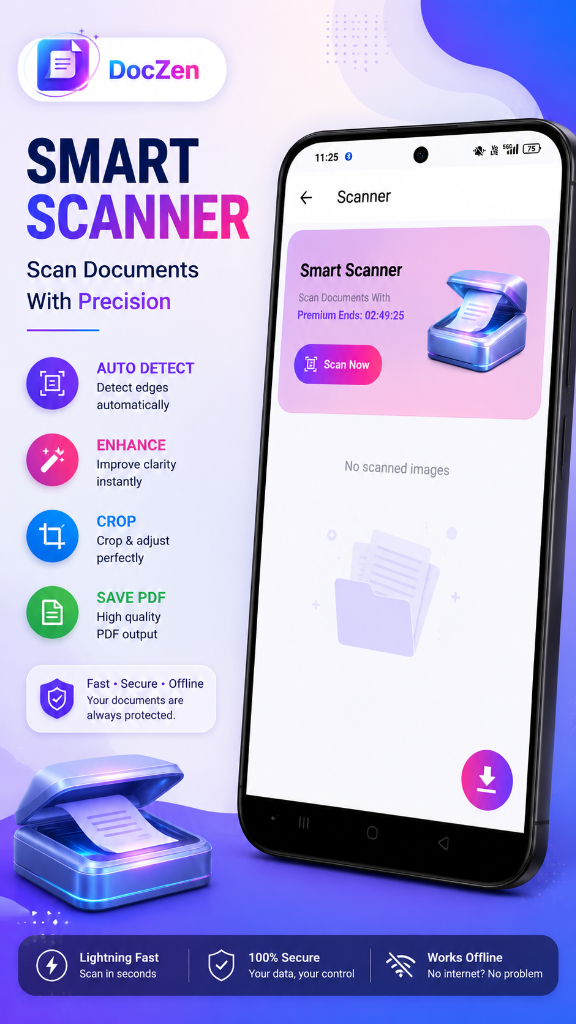
Smart Document Scanner
Auto-detect borders, crop precisely, and apply auto-enhancing filters for crystal clear PDF outputs.
Image & PDF Converter
Seamless conversion between Image ⇆ PDF. Convert single or multiple images instantly offline.
PDF Compressor
Reduce file size instantly to share documents without losing readability or texture quality.
Built-in PDF Reader
Read, view, organize, and inspect all local PDFs instantly in a clean, fast interface.
Secure & Lock PDF
Encrypt your PDFs with secure password protection or unlock them using local decryption keys.
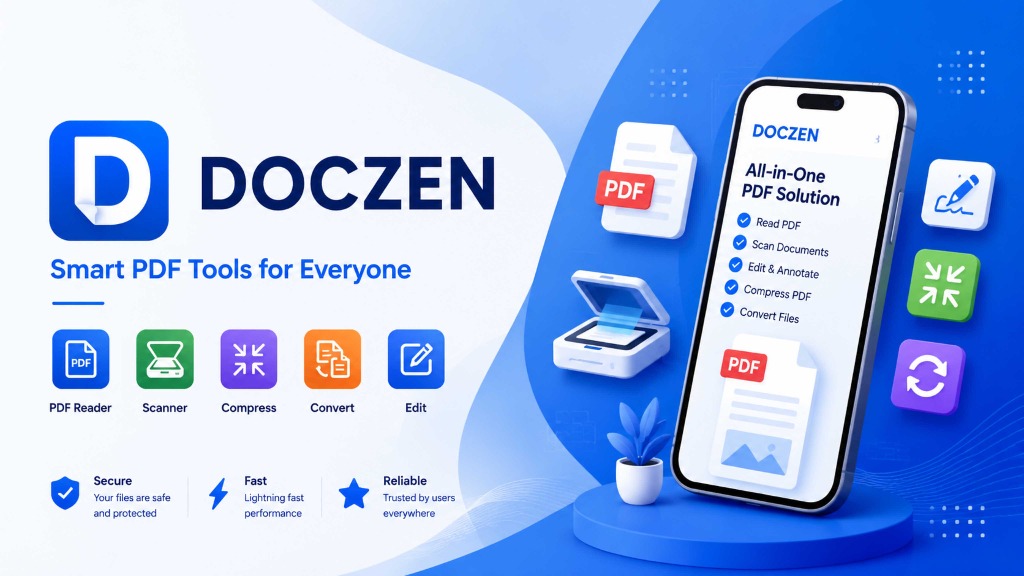
Your Documents Never Leave Your Device
Unlike traditional converters and scanners that upload files to cloud servers, DocZen processes every byte locally. Your tax forms, contracts, and scans remain private and safe from internet security breaches.
Works Offline
Scan documents or convert images in remote locations with zero internet connection.
Zero Servers, Zero Leakage
No user registries, no cookies, and no files uploaded to cloud storage. Your data is purely yours.
100% Free. No Hidden Subscriptions.
We believe in smart PDF tools for everyone. DocZen operates on a simple, transparent model: Watch a single rewarded advertisement, and get 1 hour of unlimited, ad-free access to all premium tools. No subscription agreements, no credit cards, and no login required.
Watch Ad
Click to watch one short ad
Unlock Access
Get 1 hour of ad-free tools
Work Securely
Scan, convert & compress offline
Frequently Asked Questions
Learn more about how DocZen operates under the hood.
DocZen contains pre-compiled, optimized rendering libraries directly inside the mobile app. When you select an image to convert, crop a page, or compress a PDF, the processing is performed entirely by your phone's processor and RAM. No external server requests are made.
Yes. The security encryption tools in DocZen lock your PDF files with military-grade password protection protocols. These passwords are set directly by you and processed locally. We have no backend server, so we cannot recover or view your passwords.
We request Camera permission specifically to let the Smart Scanner capture photos of physical documents. Storage permissions are required to scan your local storage for existing PDFs to read, and to save newly generated PDFs to your downloads folder.
Currently, DocZen is fully optimized and available for Android devices via Google Play. An iOS version is actively in development and will launch soon with the same 100% on-device processing architecture.
Start Scanning & Editing Privately Today
Download DocZen now to get access to all scanner, reader, and compression utilities with 100% offline privacy.